
Processes and automation
BizAITEH AI Copilot: run your business directly from Claude
Tell Claude what you want to do, and BizAITEH gets it done: add leads, create tasks, generate reports, check stock and move proposals. Claude only sees what your account is allowed to see.
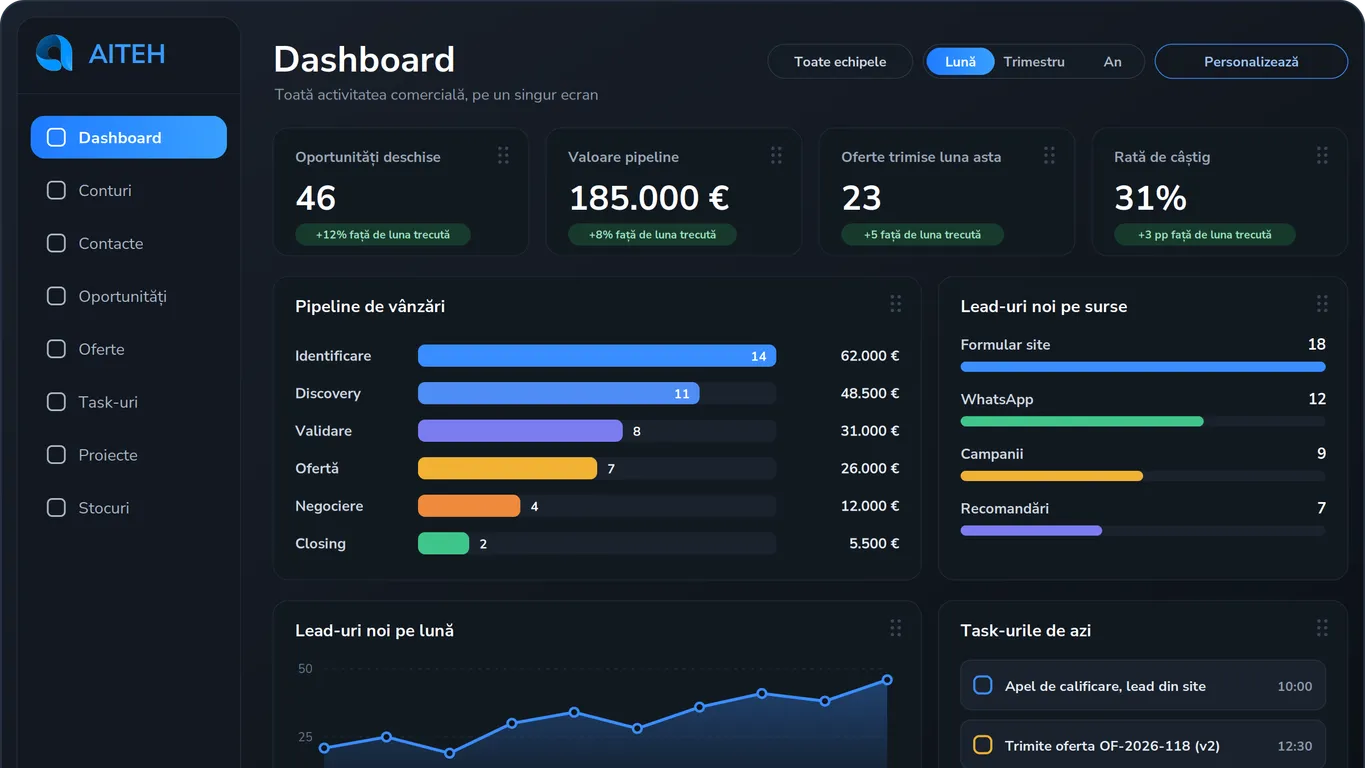
Many business owners already use Claude. It writes emails, helps organise ideas and prepares proposals. But each time, information still has to be copied by hand from Claude into the company system and back again.
We wanted to remove that step. That is how BizAITEH AI Copilot came about.
What is BizAITEH AI Copilot?
AI Copilot connects Claude to BizAITEH. Tell Claude in your own words what you want to do in your business, and it works directly in BizAITEH: adding, searching, moving and reporting.
You no longer need to open five screens to get an answer. You ask.
What you can do from Claude
| What you ask Claude | What happens in BizAITEH |
|---|---|
| “Add a lead: Ana Popescu called today about a proposal.” | The lead appears in BizAITEH with its details. |
| “Create a task for Mihai to call Ana tomorrow.” | The task is assigned to Mihai with a due date. |
| “How many open proposals do I have, and what are they worth?” | You get an immediate report based on the actual figures. |
| “What has the sales team worked on this week?” | See each person’s tasks and activity. |
| “Do we still have product X in stock?” | Claude reads the stock information in BizAITEH. |
| “Move the proposal for company Y to negotiation.” | The proposal moves to the new stage. |
| “Add a note to proposal Y that we are waiting for an answer by Friday.” | The comment appears there for the team to see. |
Comments work wherever BizAITEH supports comments. The examples above use fictional names.
Claude only sees what you allow it to see
The first question business owners ask us is simple: “So does AI see everything in my business?” No.
Claude works through your BizAITEH account. If that account only has access to sales and stock, Claude only sees sales and stock. The roles and permissions you configure for people also apply to AI.
You can anonymise what it reads. Set rules so Claude does not see customer names or other confidential data. It gets the figures and context it needs, not information you want to keep within the business.
Try it: choose the account Claude works through, turn anonymisation on and ask a question.
You write to Claude. Claude works through your BizAITEH account, so it only sees the modules that account can access. You can anonymise the client names it reads.
The account Claude works through
Client data
Ask Claude
What Claude received from BizAITEH
| Client | Value | Stage |
|---|---|---|
| Company Y Ltd | €12,400 | Negotiation |
| Ana Popescu | €4,800 | Offer sent |
| Company Z Ltd | €7,300 | Offer sent |
The examples use invented names and figures. The roles are examples: in BizAITEH you decide what each account sees, and the same rules apply to Claude.
Why it matters for a conscious business
A conscious business is one where you know what is happening: how much money is coming in, where customers come from and what each person is working on. The data is already in BizAITEH. What AI Copilot changes is how quickly you can get to it.
When you can get an answer by asking, you ask more often. Check the pipeline between meetings, not only on Friday evening. Find out that a proposal has been waiting a week for an answer while there is still time to act.
The same applies to the information you add. Tell Claude about a lead once and it is in the system. It no longer stays on a note or in someone’s memory, and the figures you see the next day are complete.
What you need
- A BizAITEH account.
- A paid Claude subscription, on any plan.
AI Copilot is included in the BizAITEH subscription. There is no separate charge for it.
How to get started
If you already use BizAITEH, get in touch and we will show you how to switch it on.
If not, see it in a demo using your business processes. Tell me what you would ask about your business each day, and I will show you how to ask Claude directly. The demo form is on the BizAITEH page.